An interactive kiosk earns its place by removing a queue or a question. This range covers the five jobs self-service terminals actually do — inform, take payment, manage a queue, check someone in, take an order — across floor-standing, wall-mounted and outdoor cabinets, all from the same production line as the photo booth range. Touch technology, PC specification and cabinet finish are configured per project.
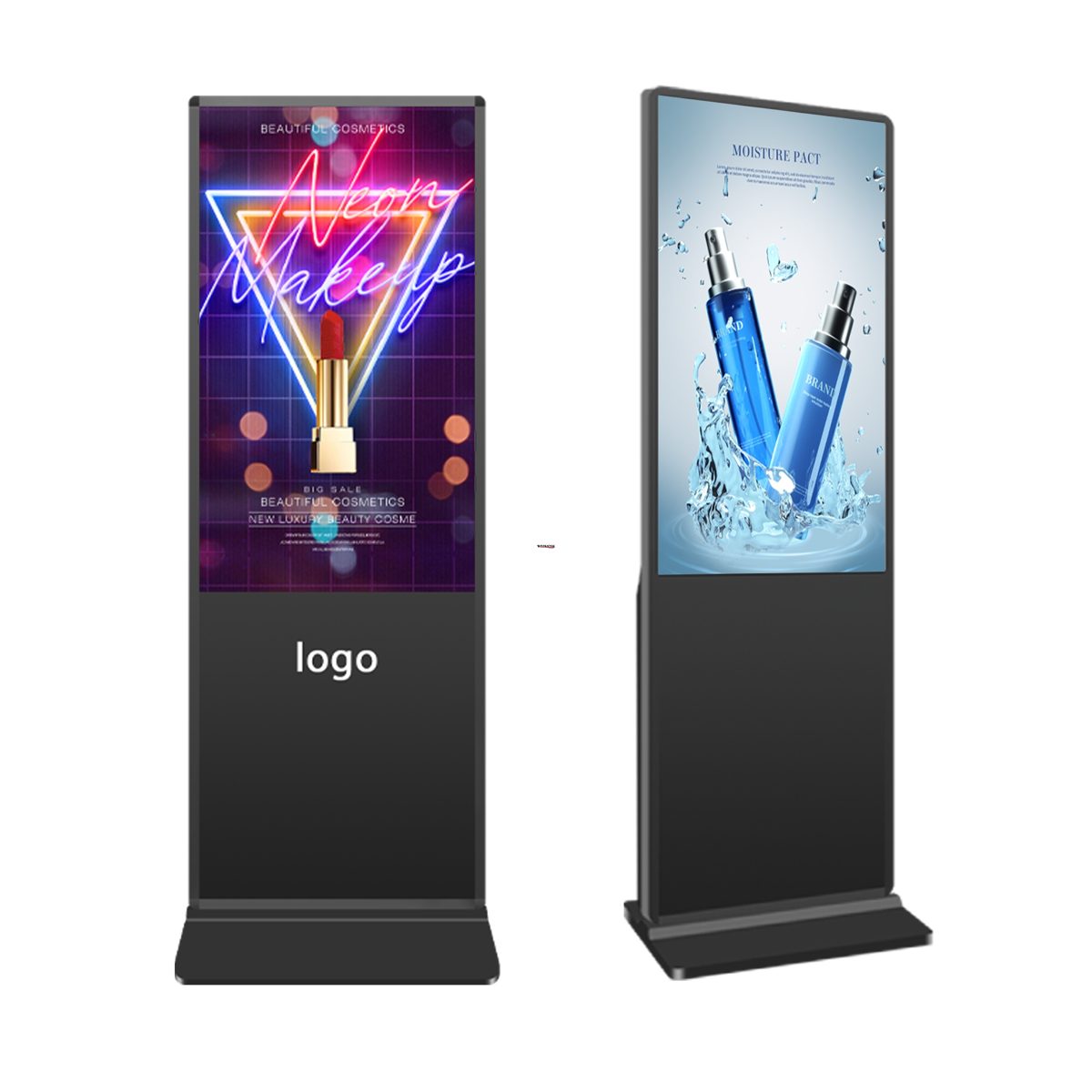
Floor Standing Touch Kiosk
32/43/55 in multi-touch terminals with configurable PC builds.
View product →Information Kiosks
Directory and wayfinding terminals in floor, desktop and wall formats.
Browse formats →Payment Kiosks
Bill payment and card payment terminals from the manufacturer's range.
Browse formats →Queue Management Kiosks
Ticket printers and calling systems for banks, clinics and service halls.
Browse formats →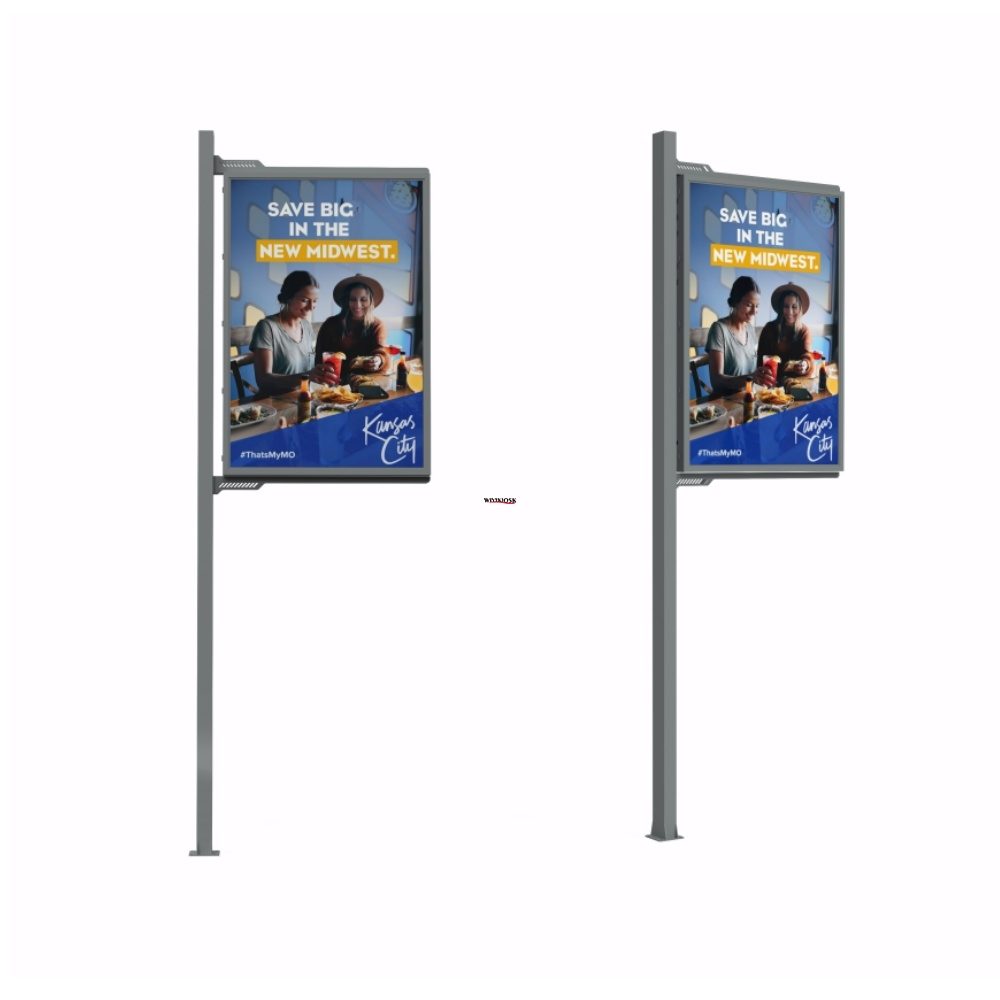
Wall Mounted Kiosk
21.5–43 in wall terminals, including IP65 outdoor wall-mount models.
View product →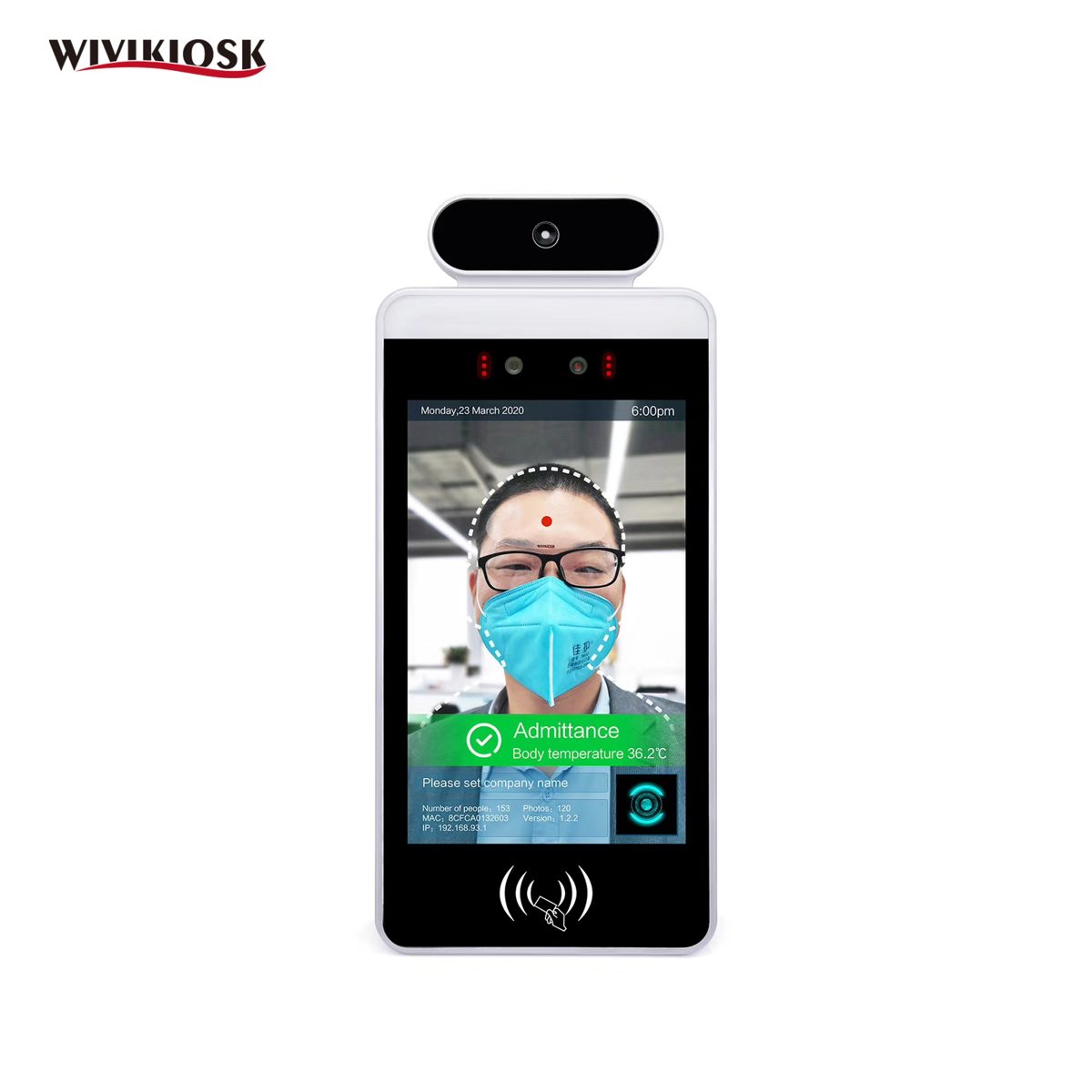
Start from the job, not the box
Inform — directories and catalogues: start with the information kiosk formats. Transact — bills and cards: the payment kiosk models carry printer and card-payment layouts in the manufacturer's catalogue. Organise — service halls and clinics: queue management kiosks with ticket printers and calling systems. Arrive — hotels, clinics, offices: check-in configurations built on the information-kiosk hardware, plus face recognition terminals for staff gates.
The kiosk buying guide walks the specification order — location, touch, PC, peripherals, software — that we work through on project quotes.
Tell us the configuration. We price it in writing.
Model, configuration, quantity and destination — that is all a real quote needs. A named manager replies.